The catering assistant that answers your leads while you cook.
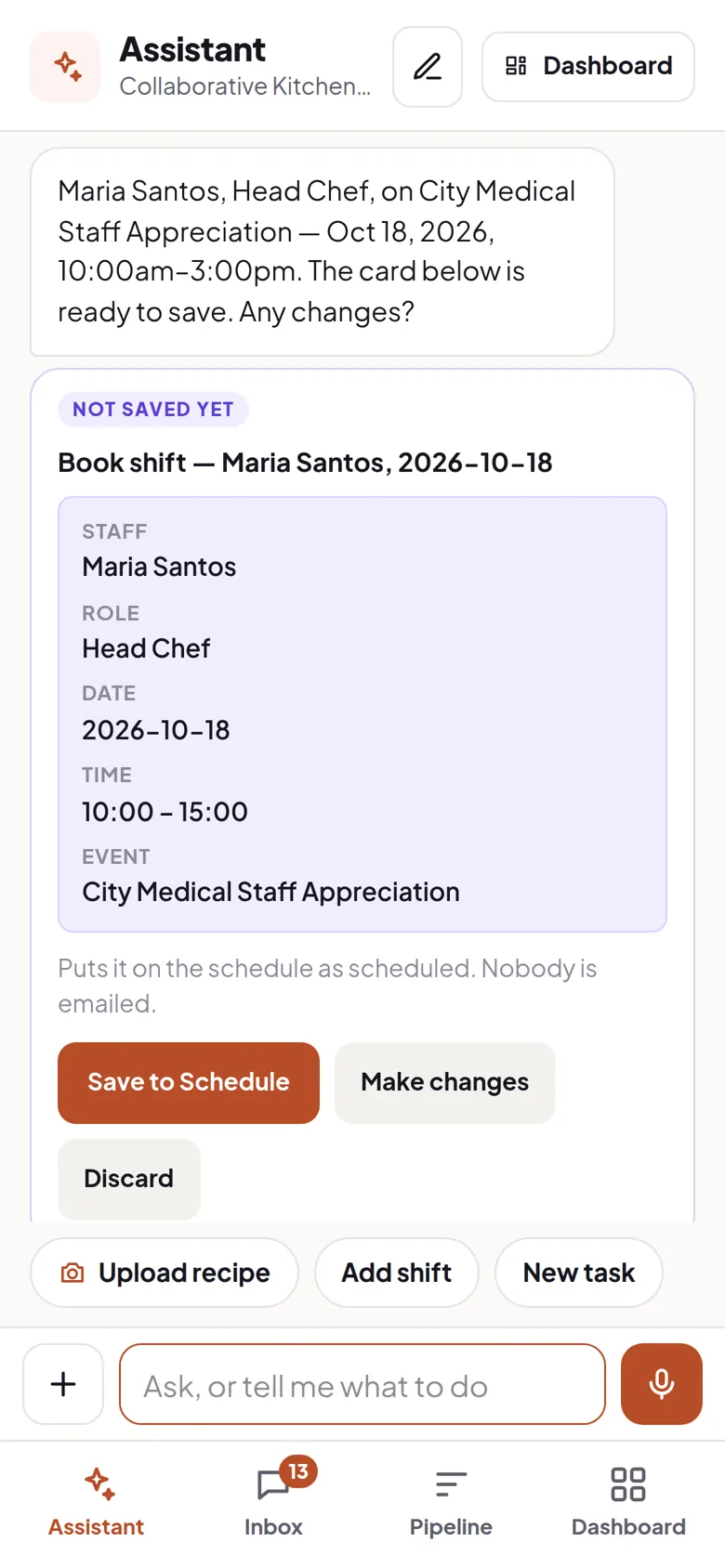
Approve a menu. Add a recipe. Put someone on Saturday.
Just say it. No forms, no desk — from your phone, mid-service.
14 days free. No card.
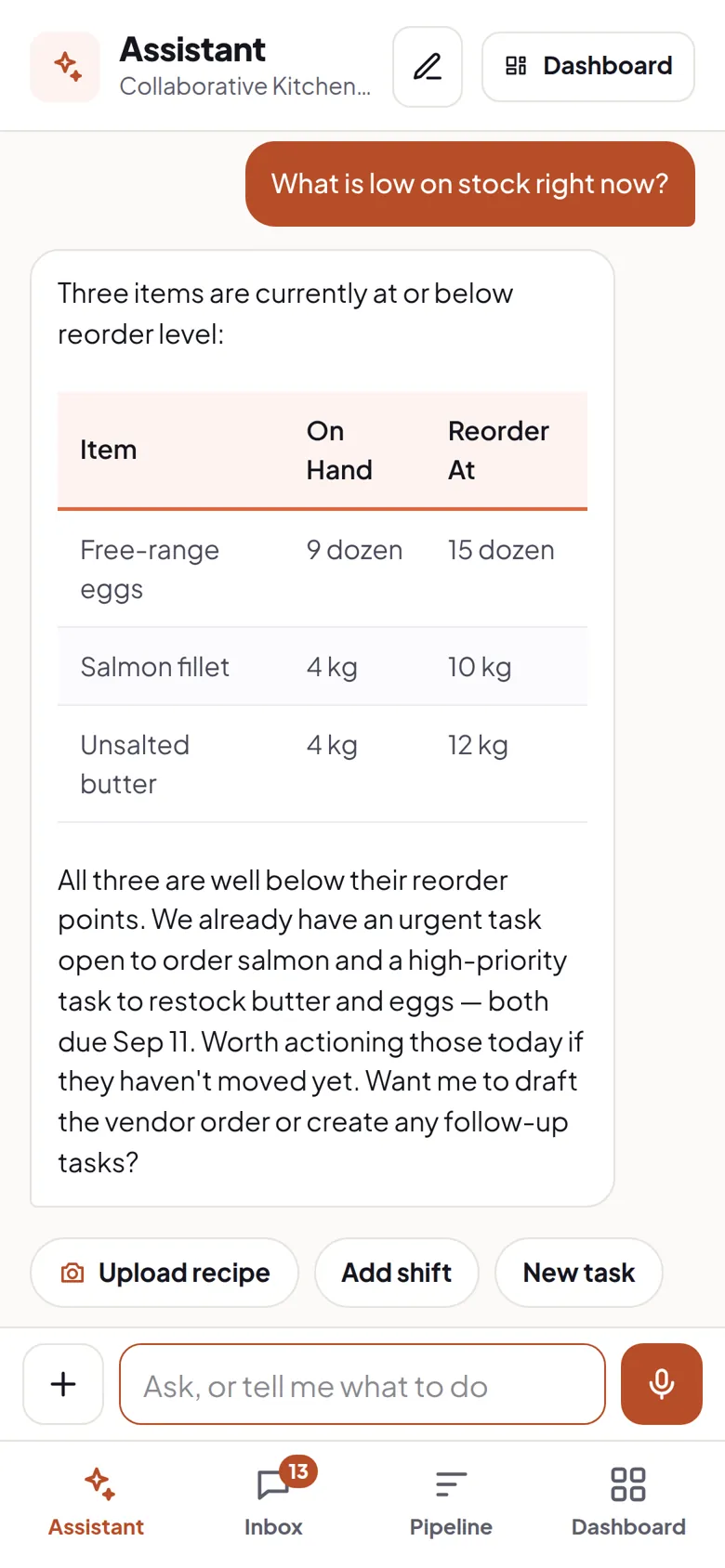
Leads, menus, staff, stock, money — one assistant handles all of it
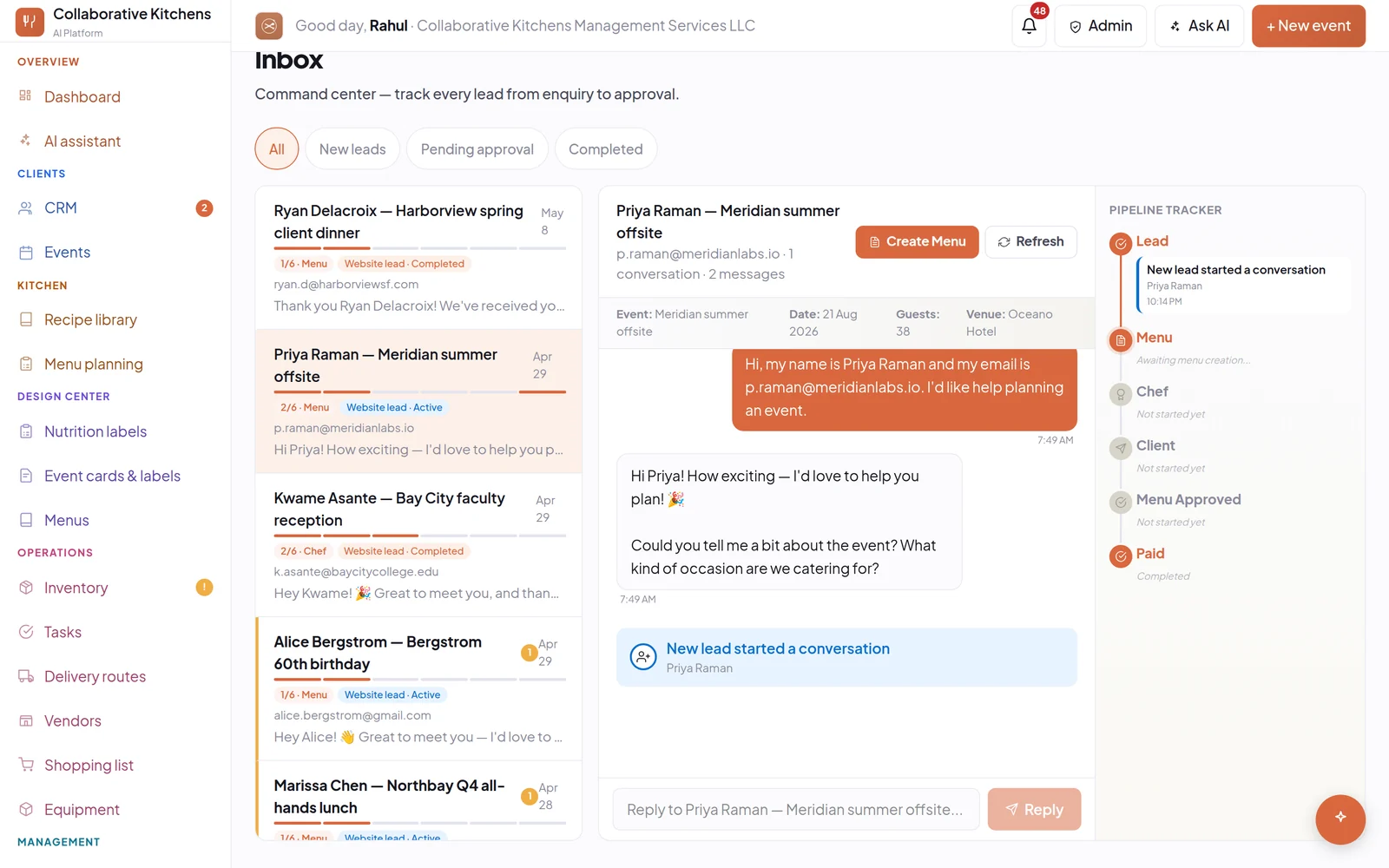
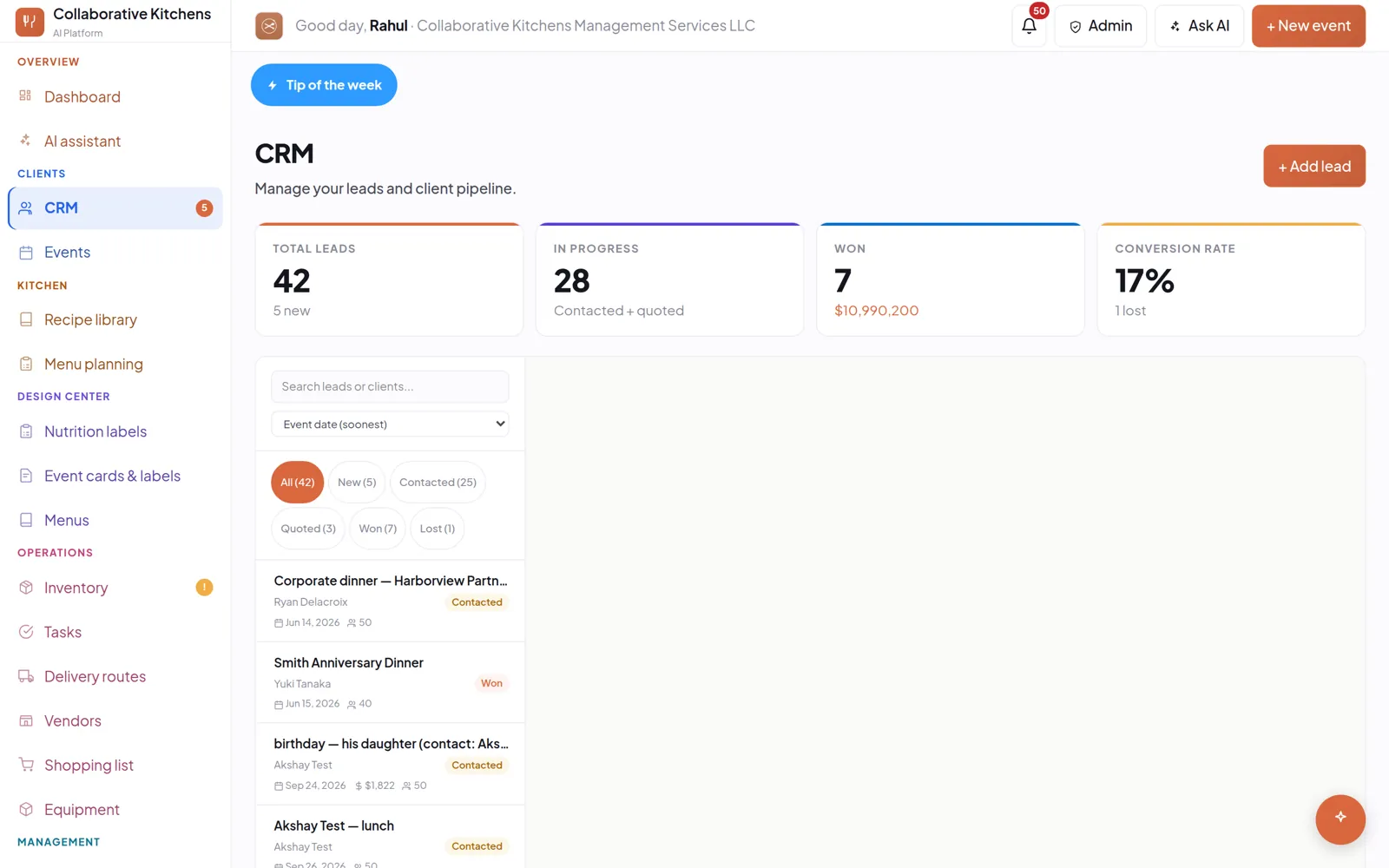
An enquiry arrives while you are plating. It gets answered, and the lead is waiting in one list when you look up.
Capture the lead
The enquiry gets answered while your hands are full.
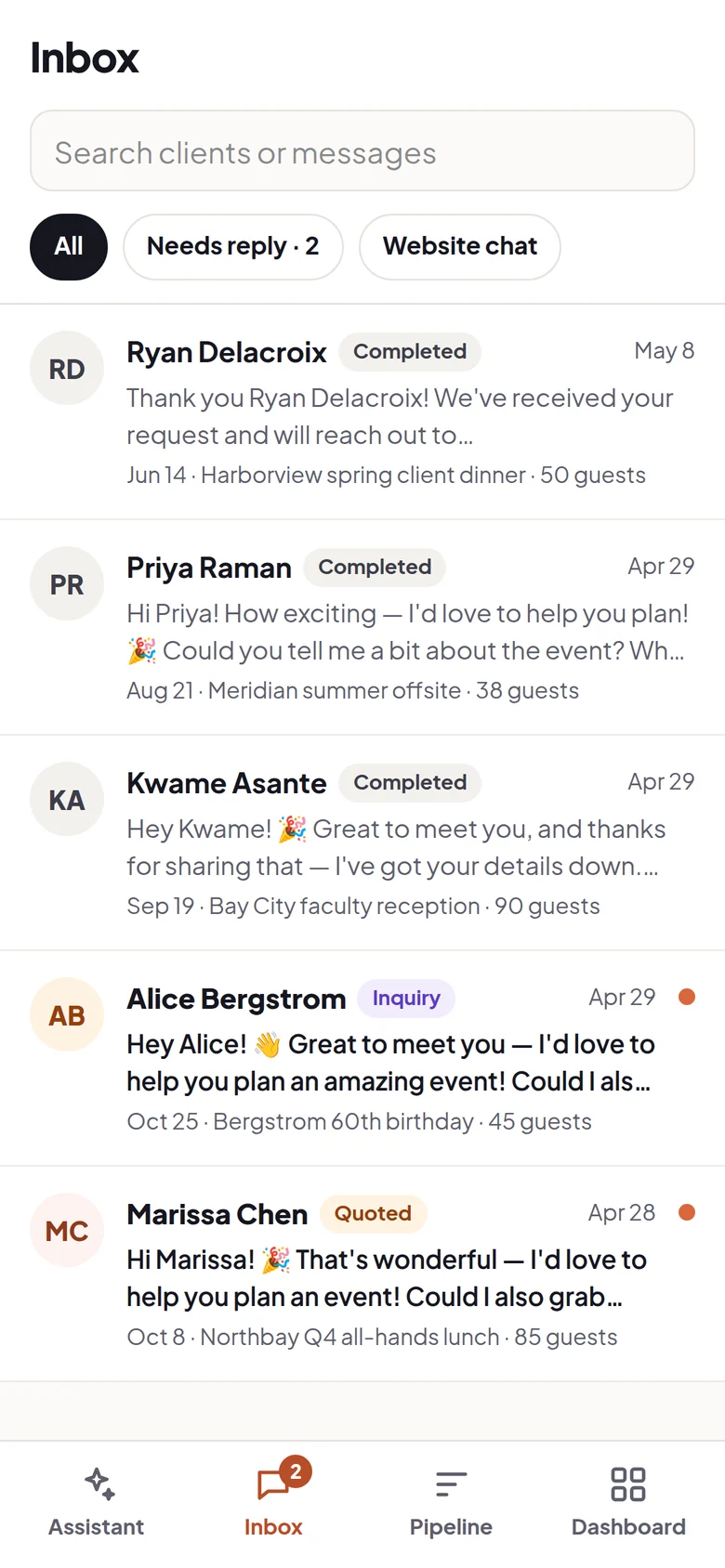
Chat on your site, your own intake address, your web form, or an email you forward on. However it arrives, it lands in one list with the client attached.
Do nothing.
- The enquiry answered
- The lead filed with its event
- A costed menu waiting when you look
Price the job
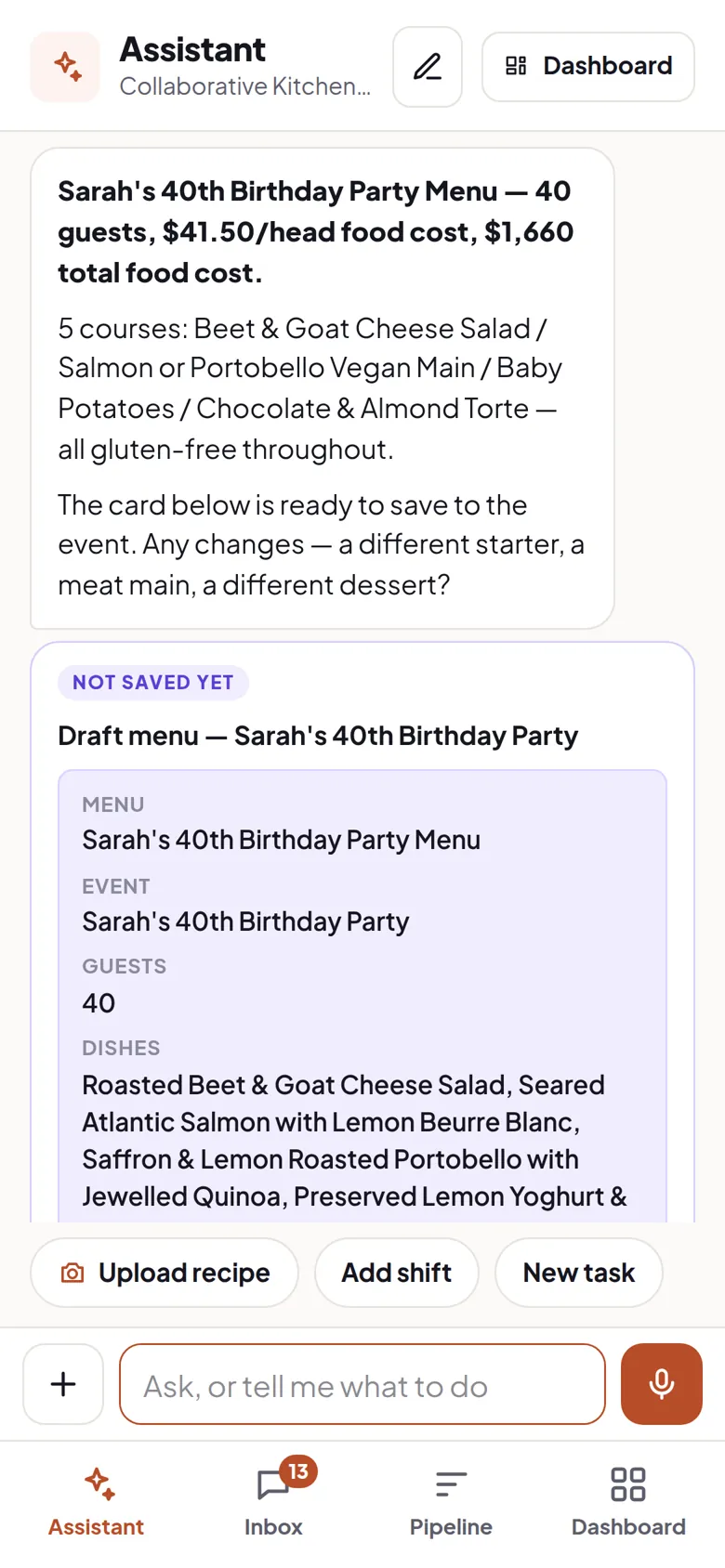
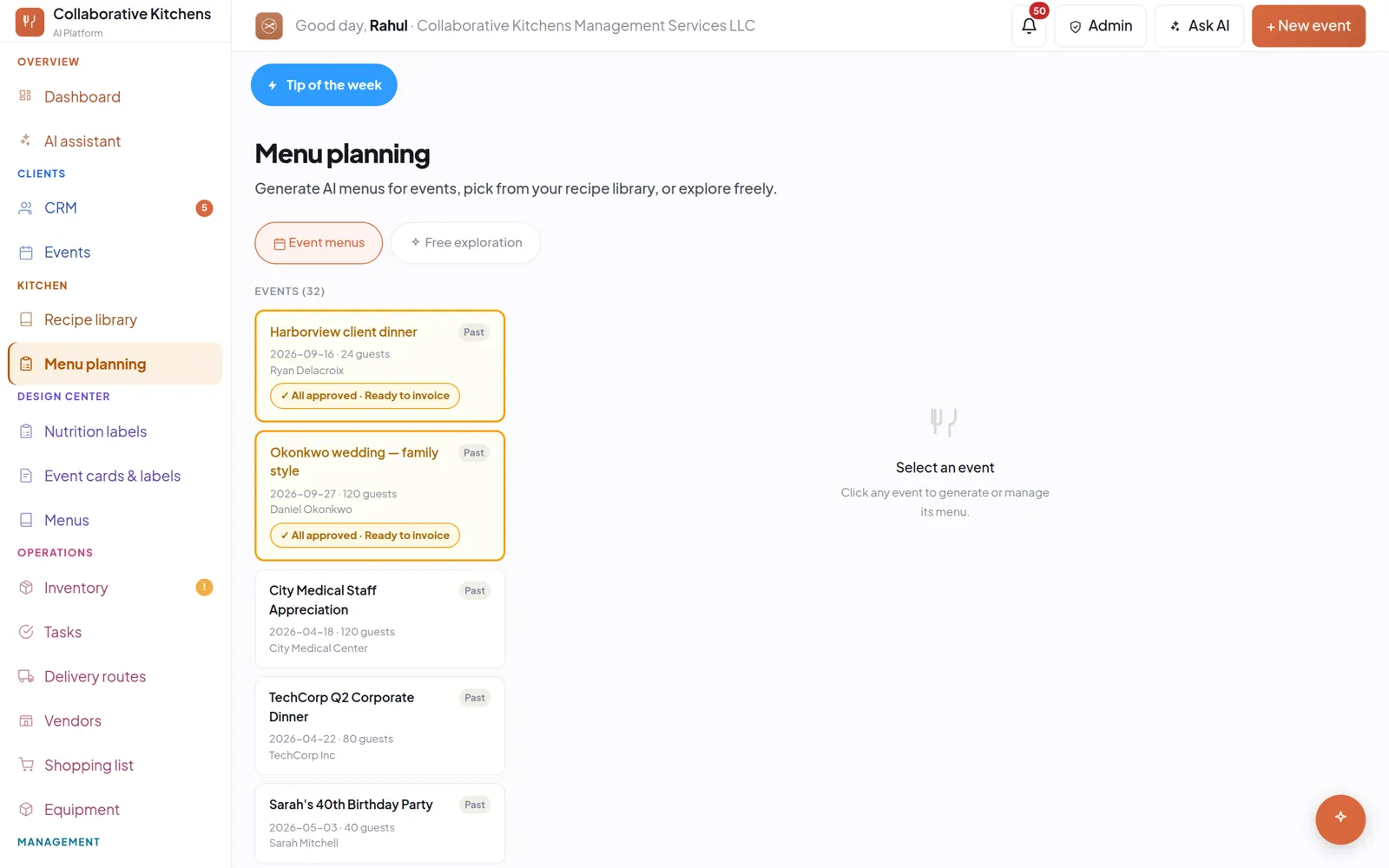
A menu costed from your own recipes, not a template.
It picks from the recipes you already have, scales them to the headcount, and prices per head. Where your library is thin it writes a dish in your kitchen's own style rather than borrowing someone else's.
Upload your recipes.
- Costed per portion
- Allergens flagged against the ingredients
- Ingredients into your inventory
Run the week
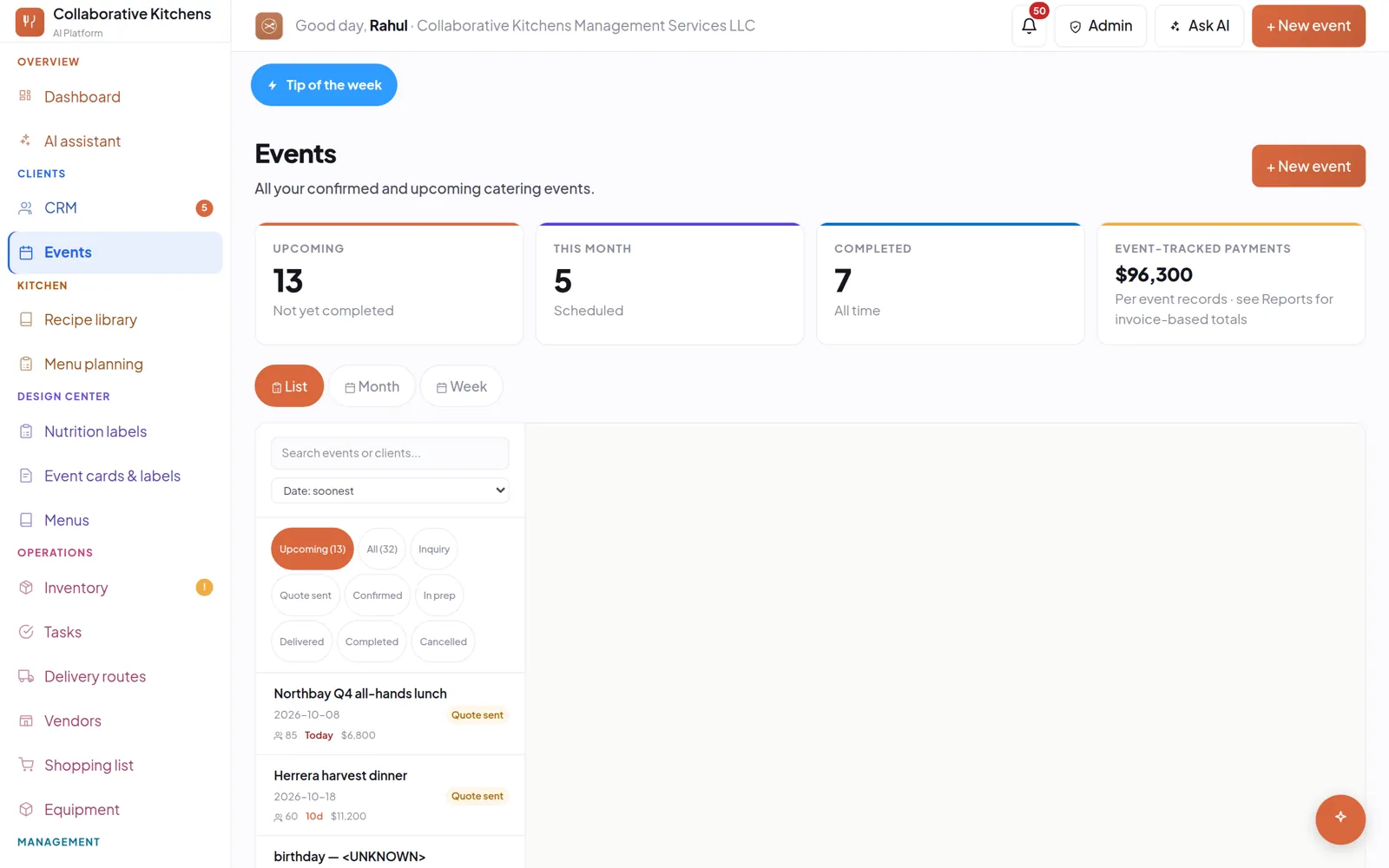
Confirm the event. The week builds itself.
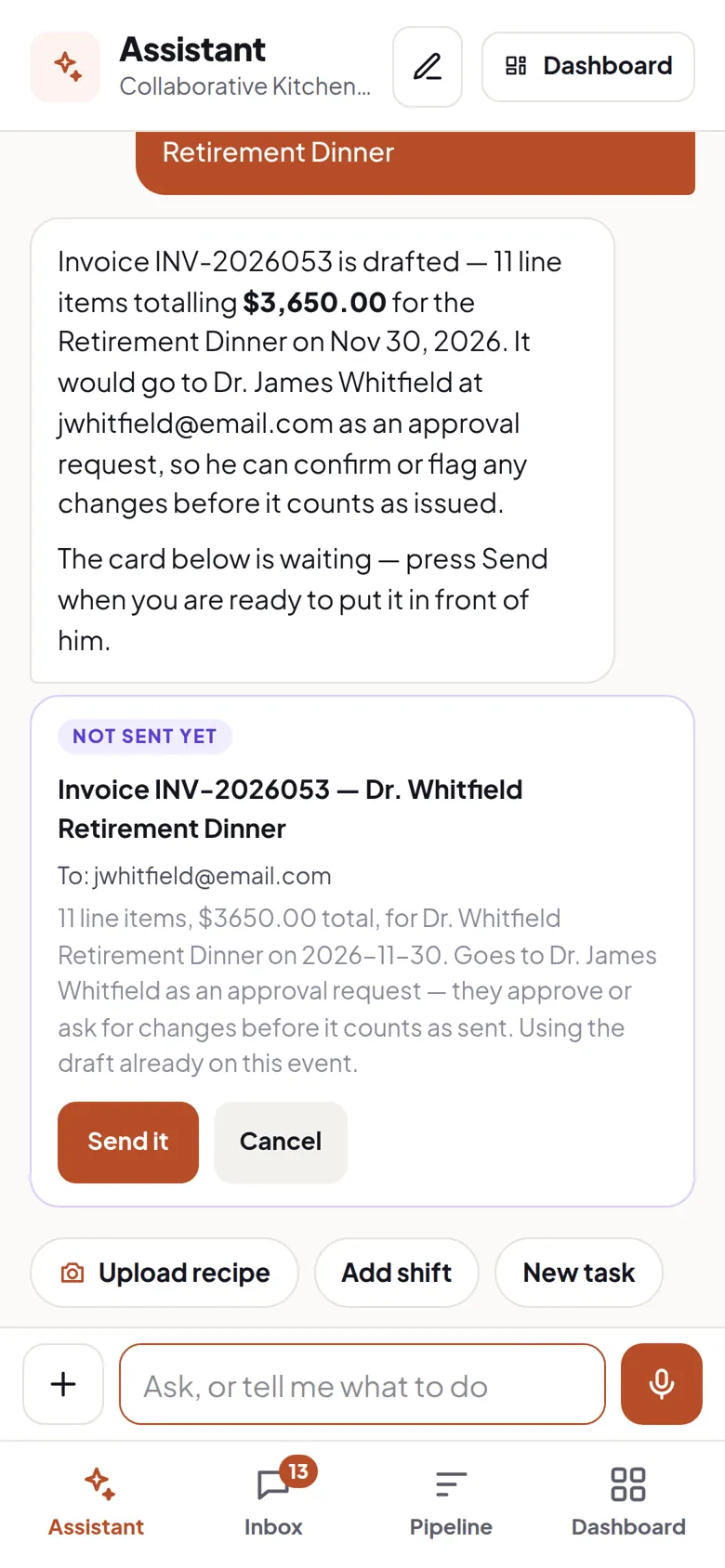
One confirmation turns the menu into the shopping list, the prep tasks, the crew and the invoice. Stock comes off the shelf. A quote only holds the food — it does not take it.
Confirm the event.
- Shopping list and prep tasks
- Crew on the schedule
- Invoice drafted
Setup
Drag in your menus, recipes and invoices. Get a working system.
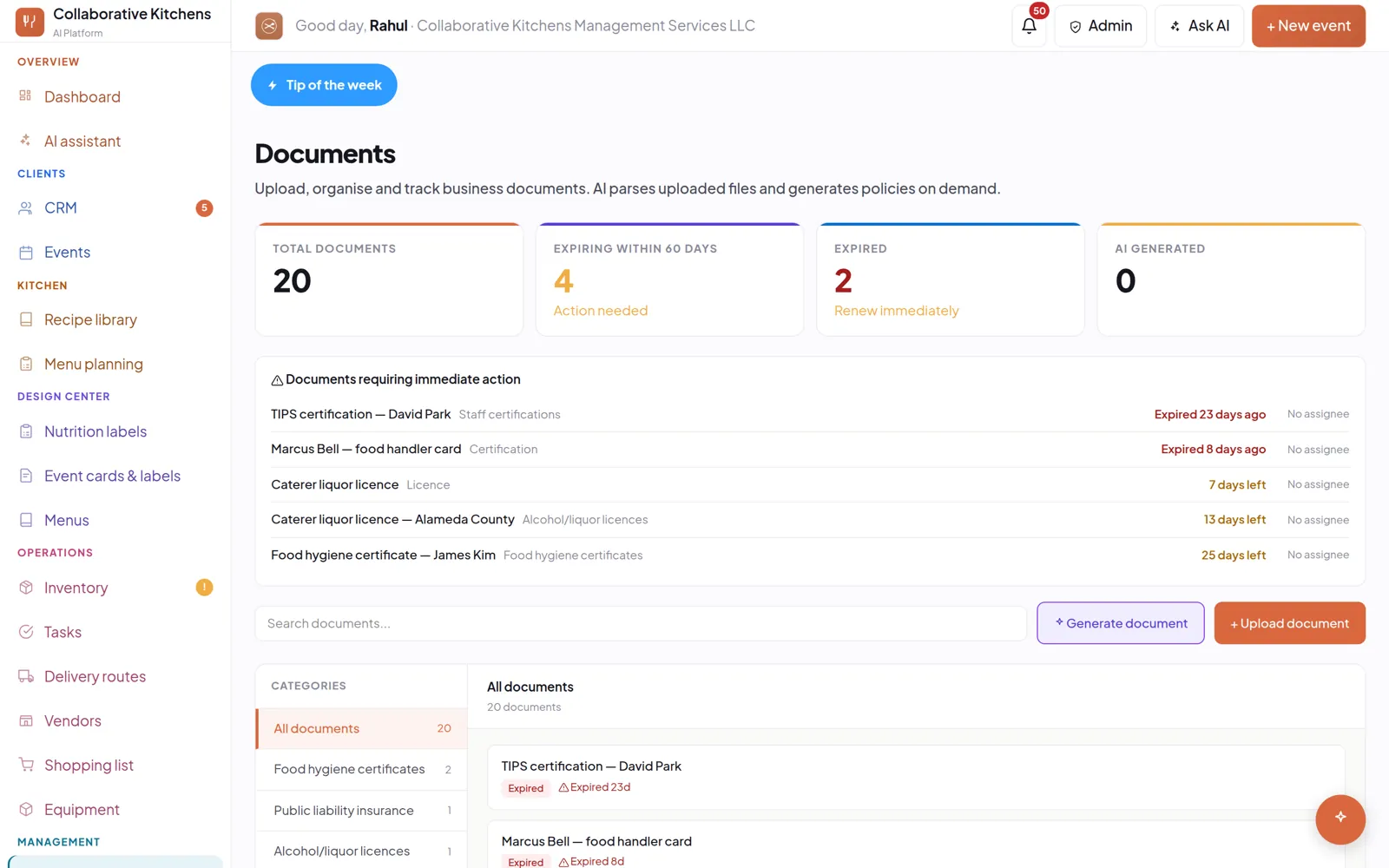
Drop in what you already have — a recipe PDF, last month's vendor invoice, a licence, an old menu. Each one is read and filed where it belongs. There is nothing to type in twice.
Drag in what you already have.
- Recipes costed per portion
- Stock and supplier prices updated
- Certificate expiry tracked
No website?
We build you a page, with the chat already in it.
Your story, your dishes, your sample menus, at collaborativekitchens.ai and your own name. Built from your own words. Recipe quantities, costs and prices are never shown. Free on every plan.
Tell it about your business.
- A page you can send to a client
- Enquiries captured into the inbox
- Published when you say so
Questions
What is Collaborative Kitchens AI?
Catering software with an assistant you talk to rather than forms you fill in. It answers enquiries as they arrive, prices menus from your own recipes, schedules crew, tracks stock and drafts invoices — from a phone, mid-service.
How much does it cost?
Starter is $99 a month for one seat and Pro is $149 a month for three. Every feature is on both plans; they differ only on seats, storage, outbound email and monthly AI allowance. Extra seats are $15 a month. The 14-day trial takes no credit card.
How long does setup take?
About ten minutes. You drag in documents you already have — recipe PDFs, vendor invoices, certificates, old menus — rather than typing records in. Legacy catering tools typically take two to four weeks.
Does it answer my phone?
No. The assistant is one you talk to, by typing or voice; it does not take calls from clients. A phone and SMS agent is planned and not built.
What if I do not have a website?
You get a free hosted page at your own name, built from your own words plus the menus and recipes in your library, with the enquiry chat already in it. It is included on both plans.
How does it handle allergens and dietary requirements?
A dish's dietary flags are checked against its own ingredient list, and where the flag and the ingredients disagree the conflict is surfaced rather than repeated. Where allergens have never been recorded it says so, instead of implying a dish is free of them.
Does it work on a phone?
Yes. The phone app installs from the browser — add to home screen on iPhone or Android, no app store — and opens on the assistant, by typing or voice.
What it actually produces
Fifty guests. Nine dishes. $59.81 a head.
Five of those nine came out of the kitchen’s own recipe library, by name, with the dietary variants built out. Generated in under a minute.
No competitor can show you this, because it needs your recipes, your costs and your calendar in one place.
14 days free. No card. Onboards in about 10 minutes.