How-tos
Twelve short guides to the app. Most take a minute.
The website chatbot answers with your real menus and prices
It is not a contact form. An enquiry at 11pm gets a real answer and lands in your CRM with the details already captured.
See it in the app →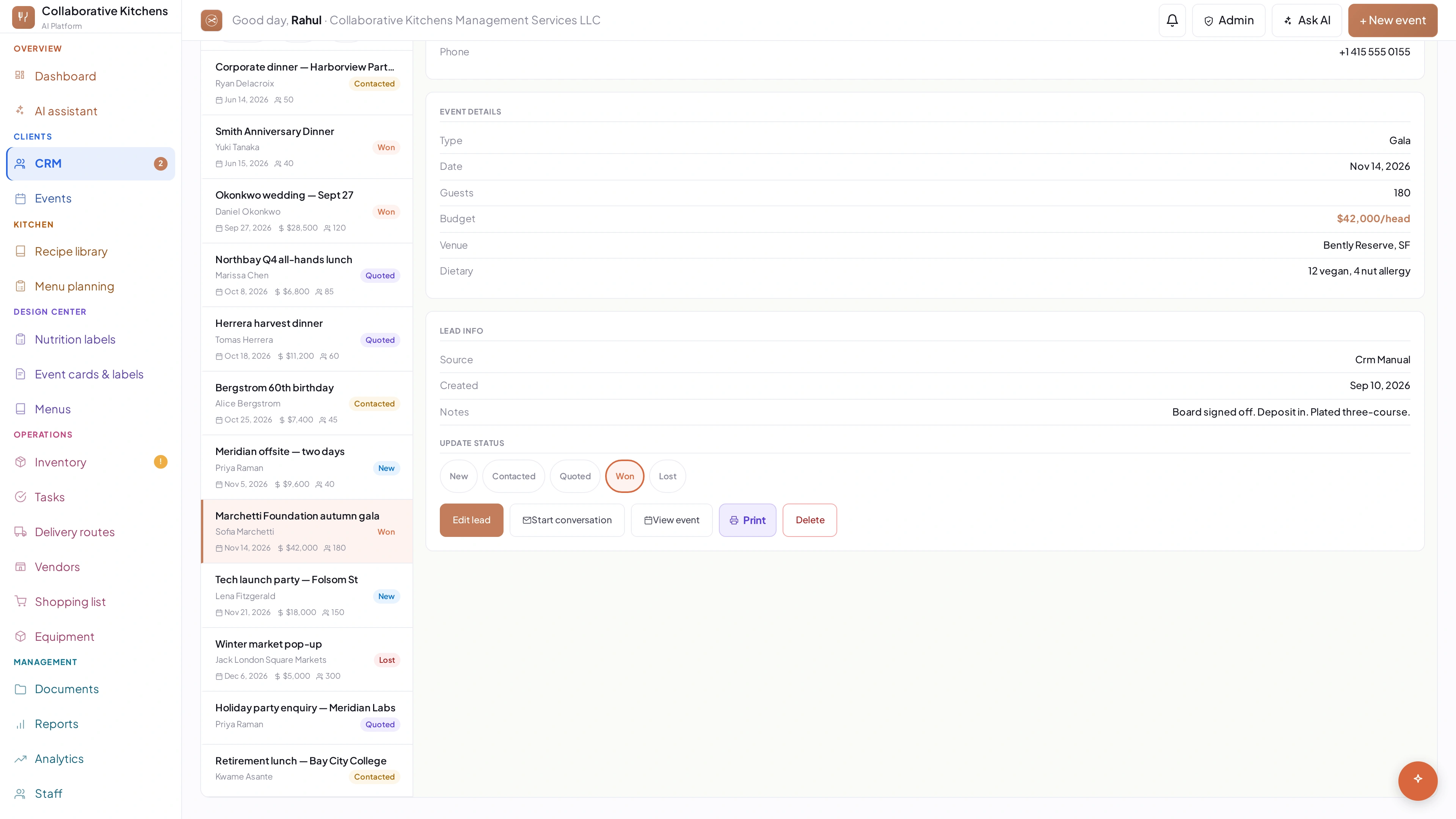
The website chatbot answers with your real menus and prices
It is not a contact form. An enquiry at 11pm gets a real answer and lands in your CRM with the details already captured.
See it in the app →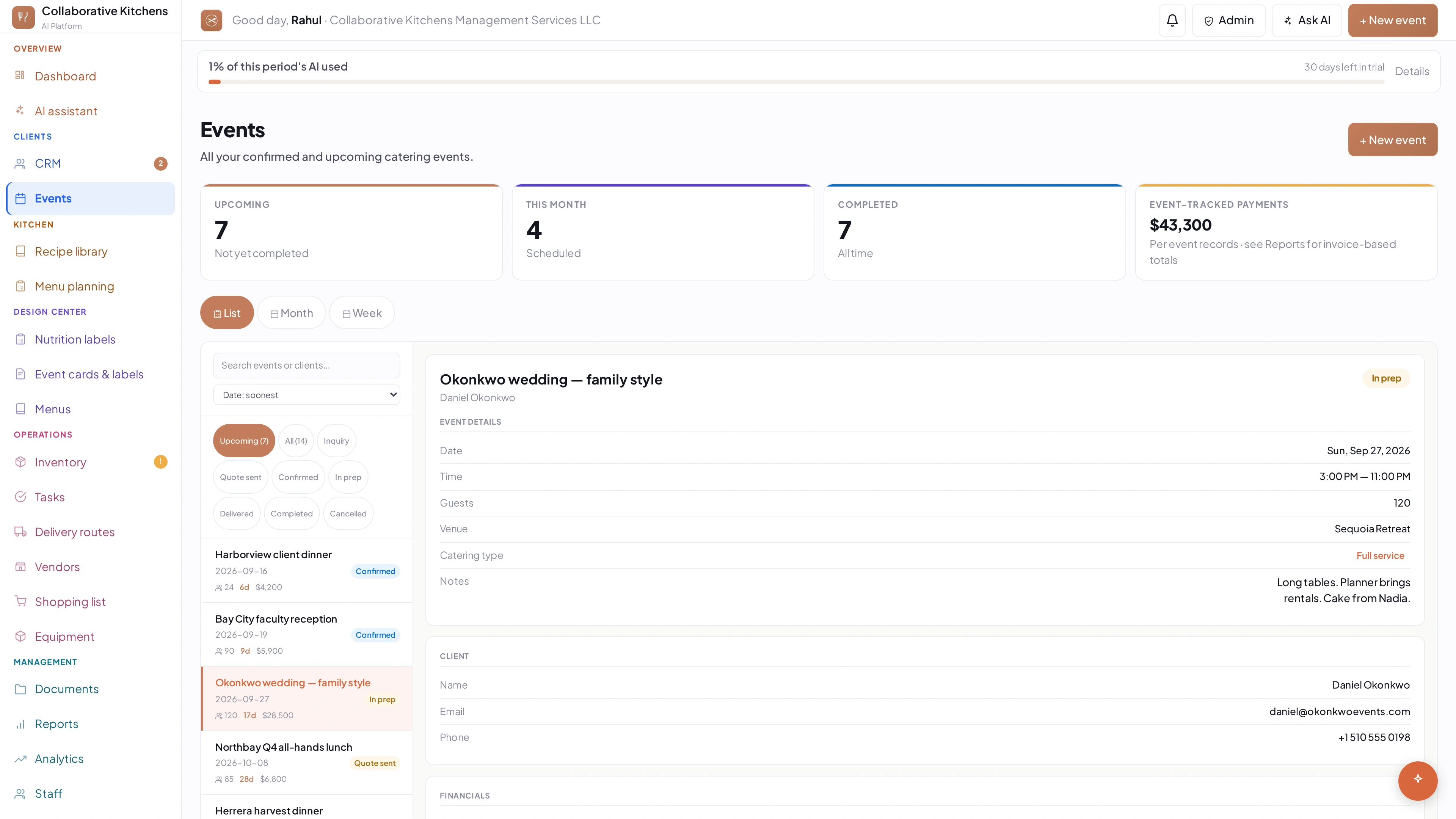
Marking Confirmed does three things at once
It flips the status, drafts the invoice from the event total, and pushes the event to Google Calendar. Nothing reaches the client until you hit Send.
See it in the app →Inquiries stay off your calendar on purpose
Only Confirmed events sync, so tentative leads never clutter your booked schedule. Confirm the moment the client says yes.
See it in the app →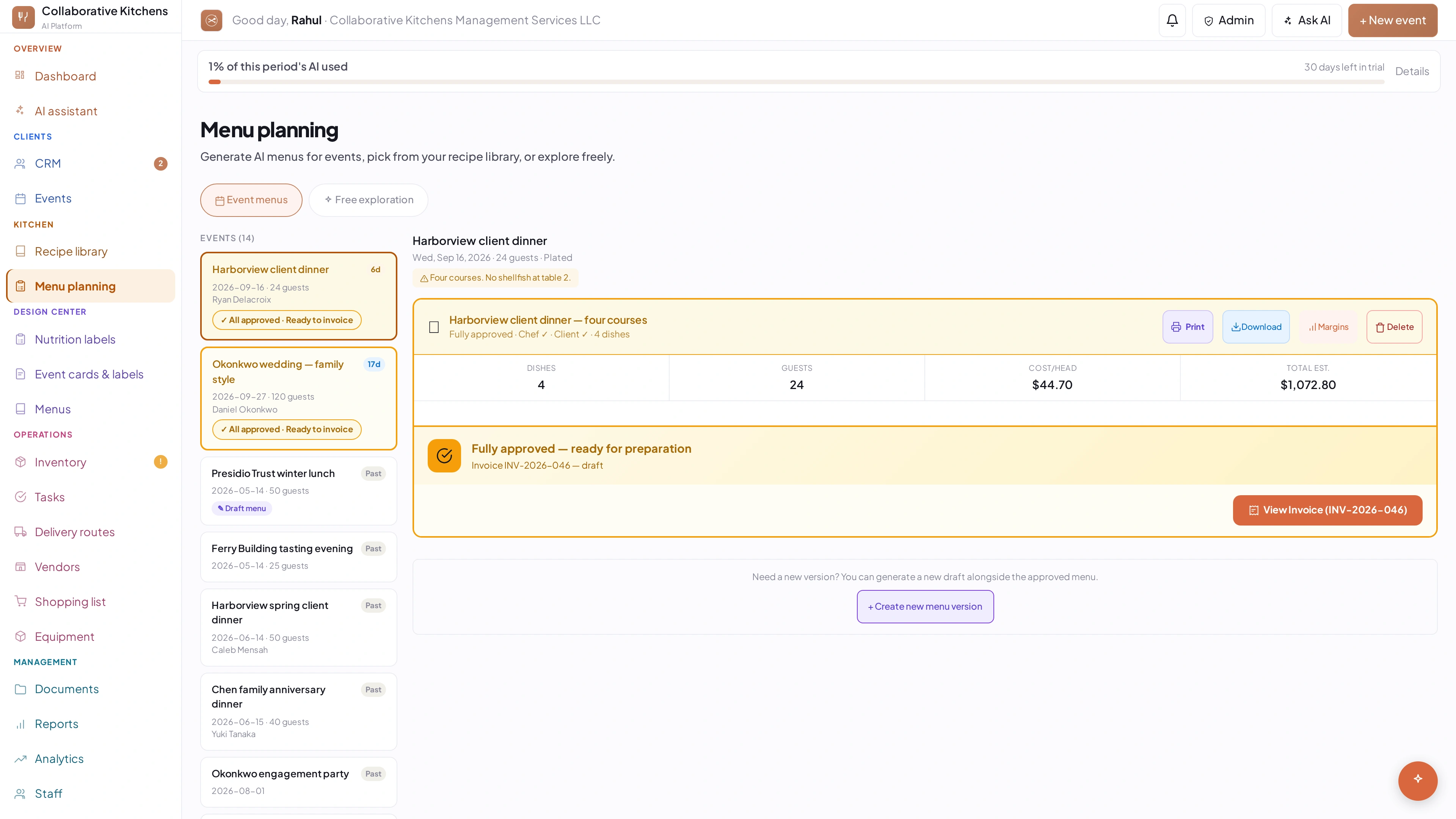
AI menus are built from your recipes, not generic ones
Menu planning reads your own recipe library, your costs and the event's guest count and budget. The more recipes you import, the better the menus get.
See it in the app →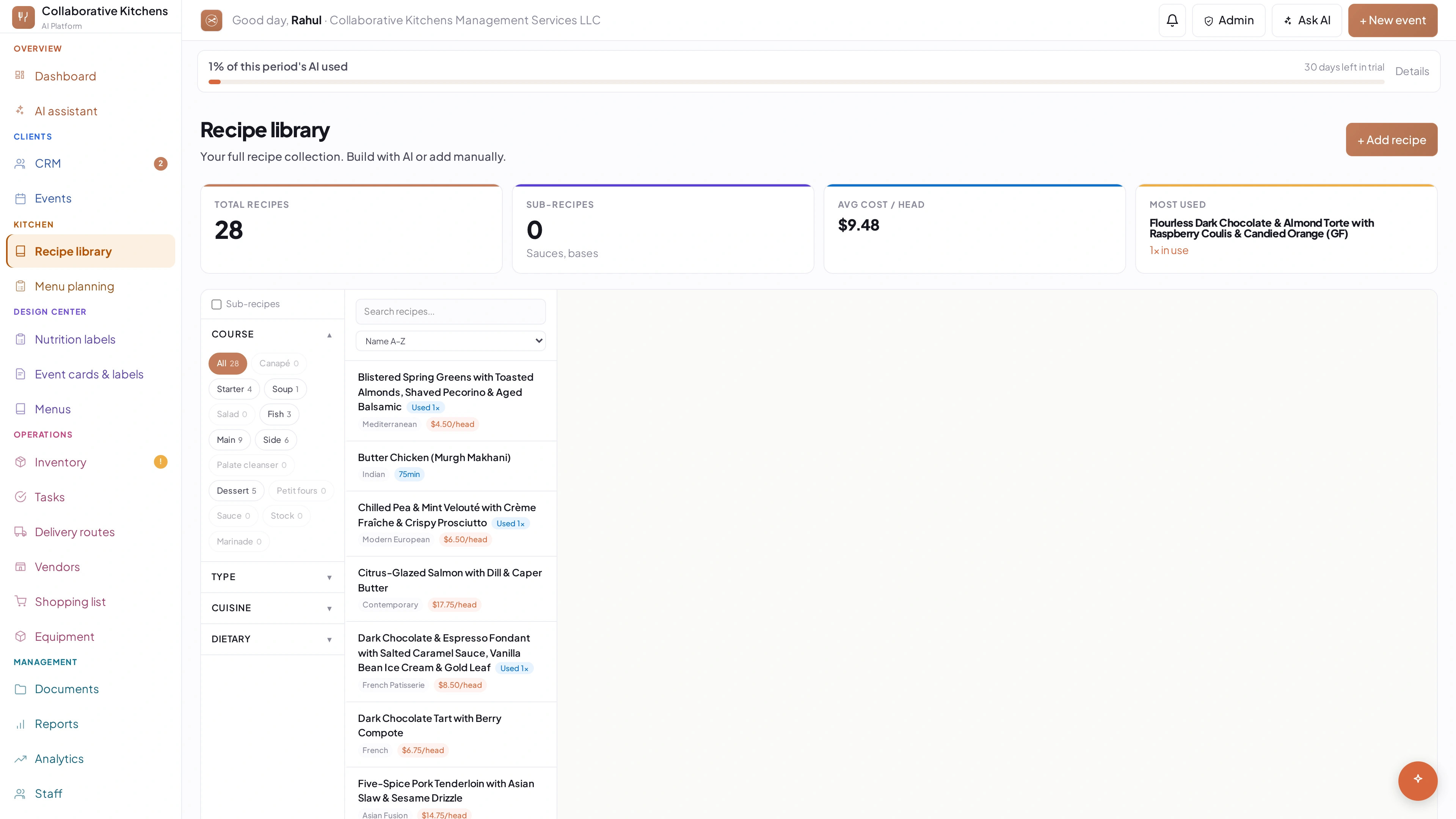
Your recipe binder can come in as PDFs
Upload a PDF on the Recipe Library and the AI pulls out the name, ingredients and method. Faster than typing them and it keeps your costings.
See it in the app →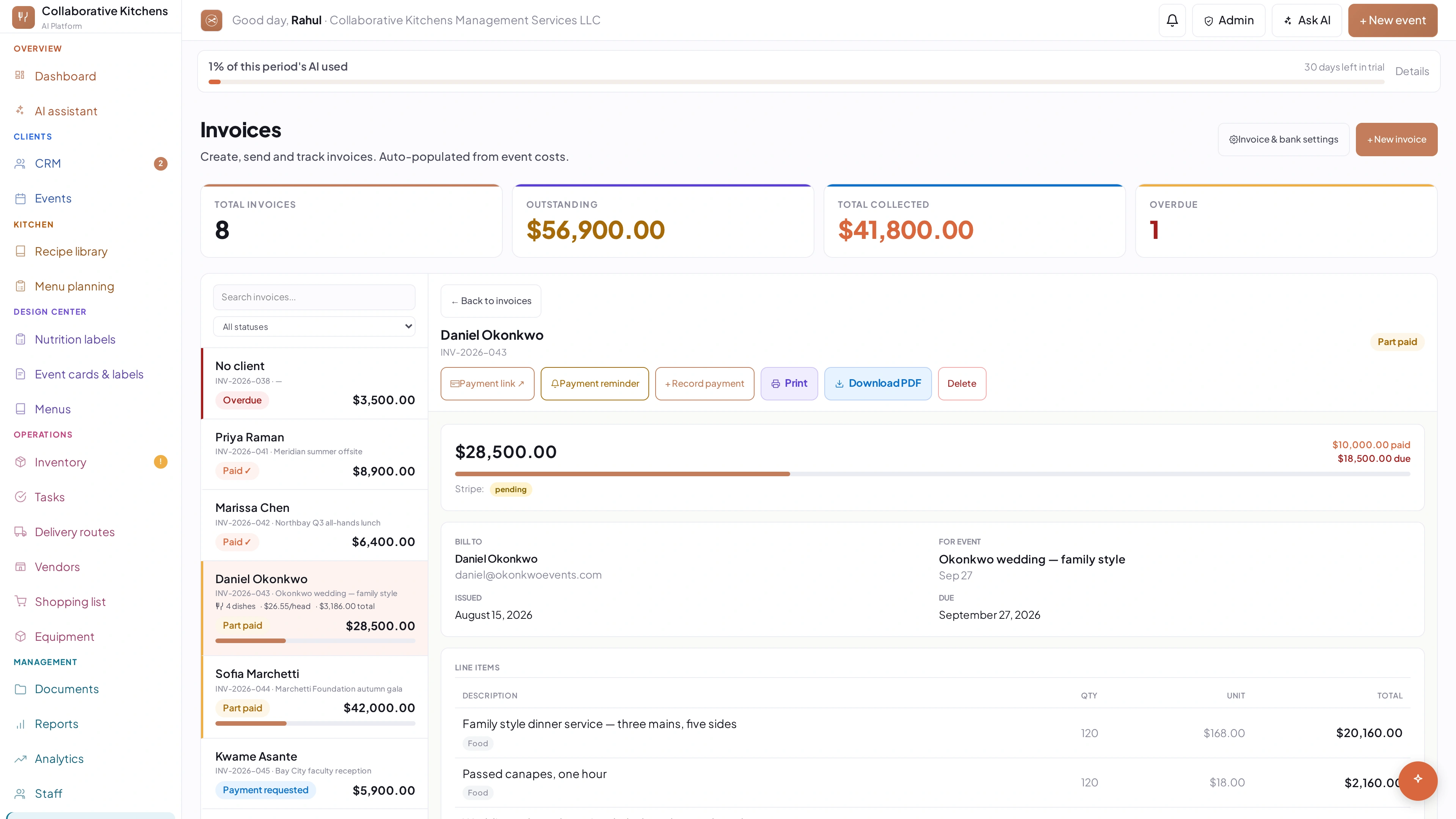
One invoice can take as many payments as you need
Deposit, second instalment, final balance — record each one with its own method and date. The invoice shows Partially Paid until the total clears.
See it in the app →Cash, cheque, Venmo and Zelle all get recorded the same way
Record Payment, pick the method, and put the cheque number or handle in the reference field. Your balance and status update straight away.
See it in the app →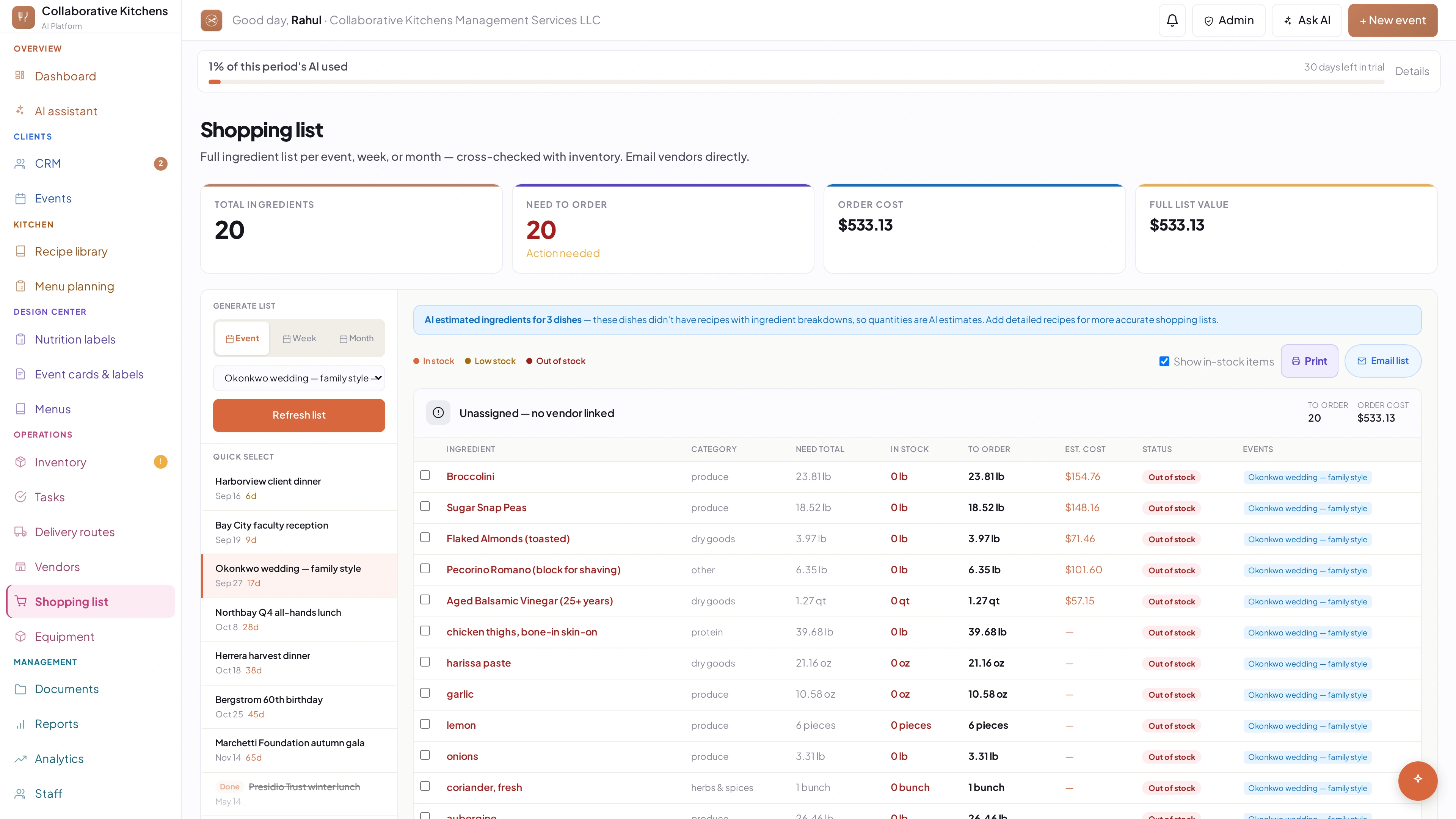
A shopping list can become a vendor order in one click
The list is grouped by vendor already. Send it and each vendor gets only their own items, drafted as an email you can edit first.
See it in the app →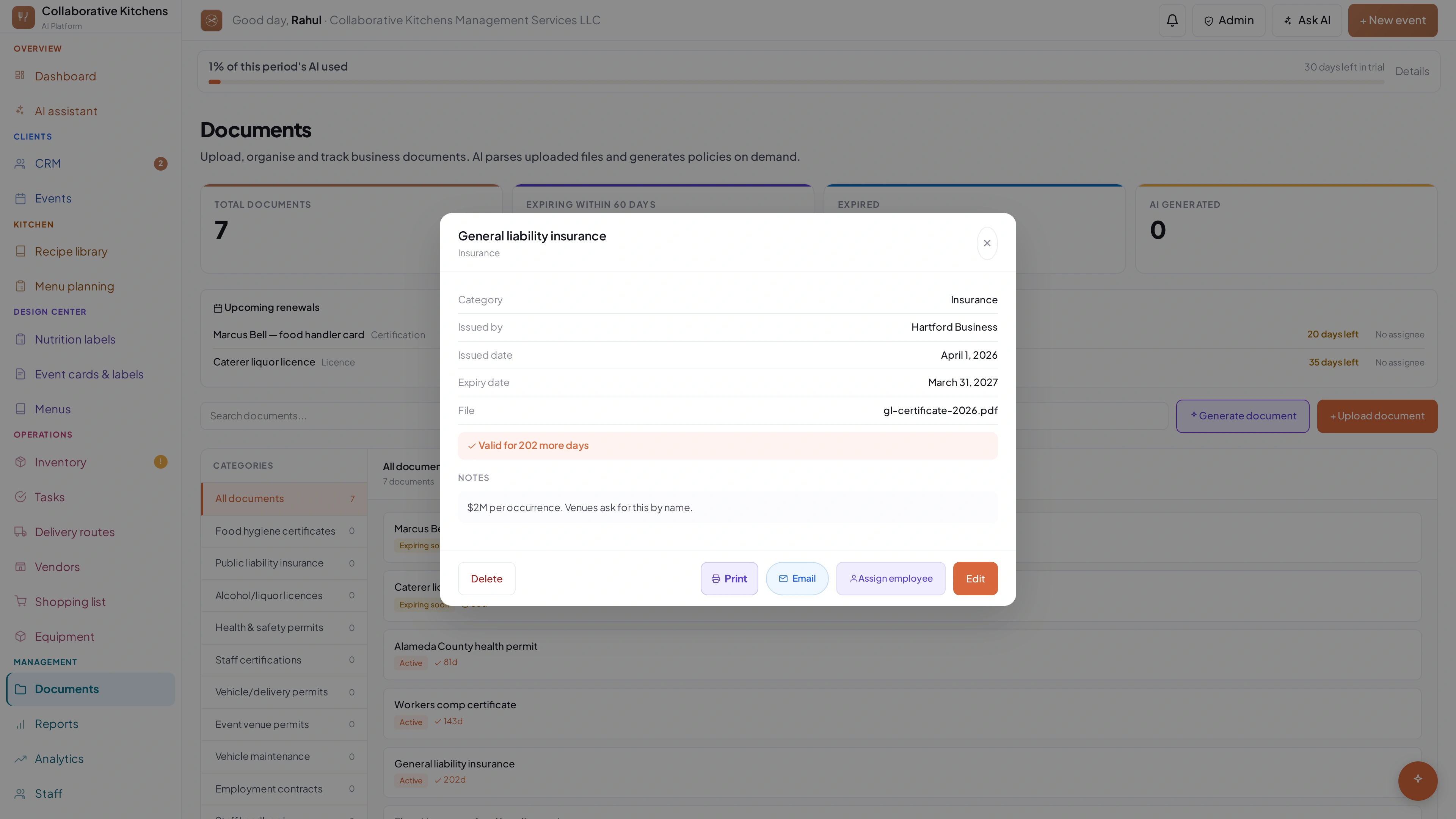
Document expiry dates are read for you
Upload a licence or certificate and the expiry is pulled out automatically, so you get reminded before it lapses rather than after.
See it in the app →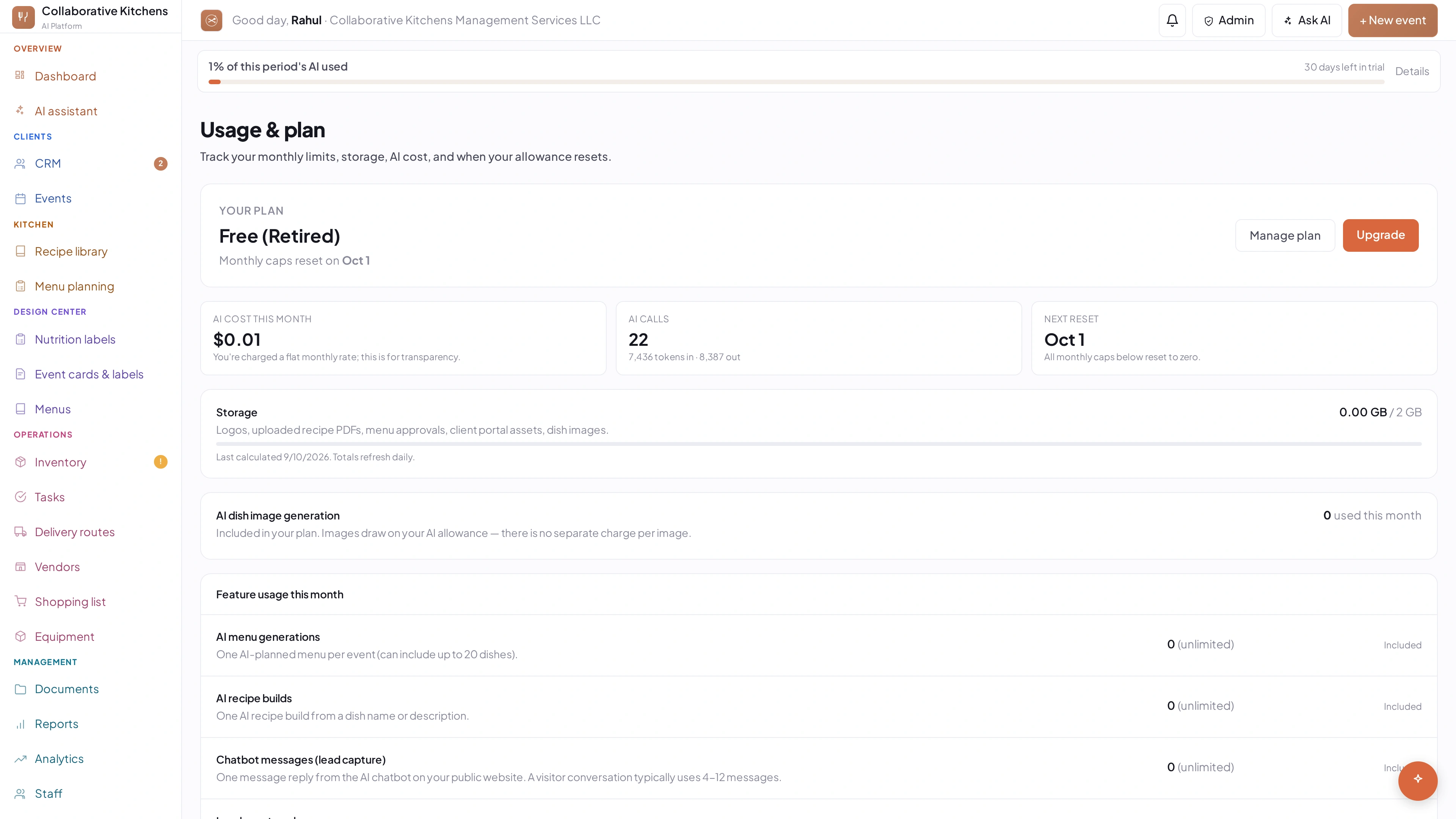
The Light, Standard and Heavy tags tell you what an action costs
Heavy actions use a noticeable slice of your monthly AI. The bar at the top of every page shows how much of the month is left.
See it in the app →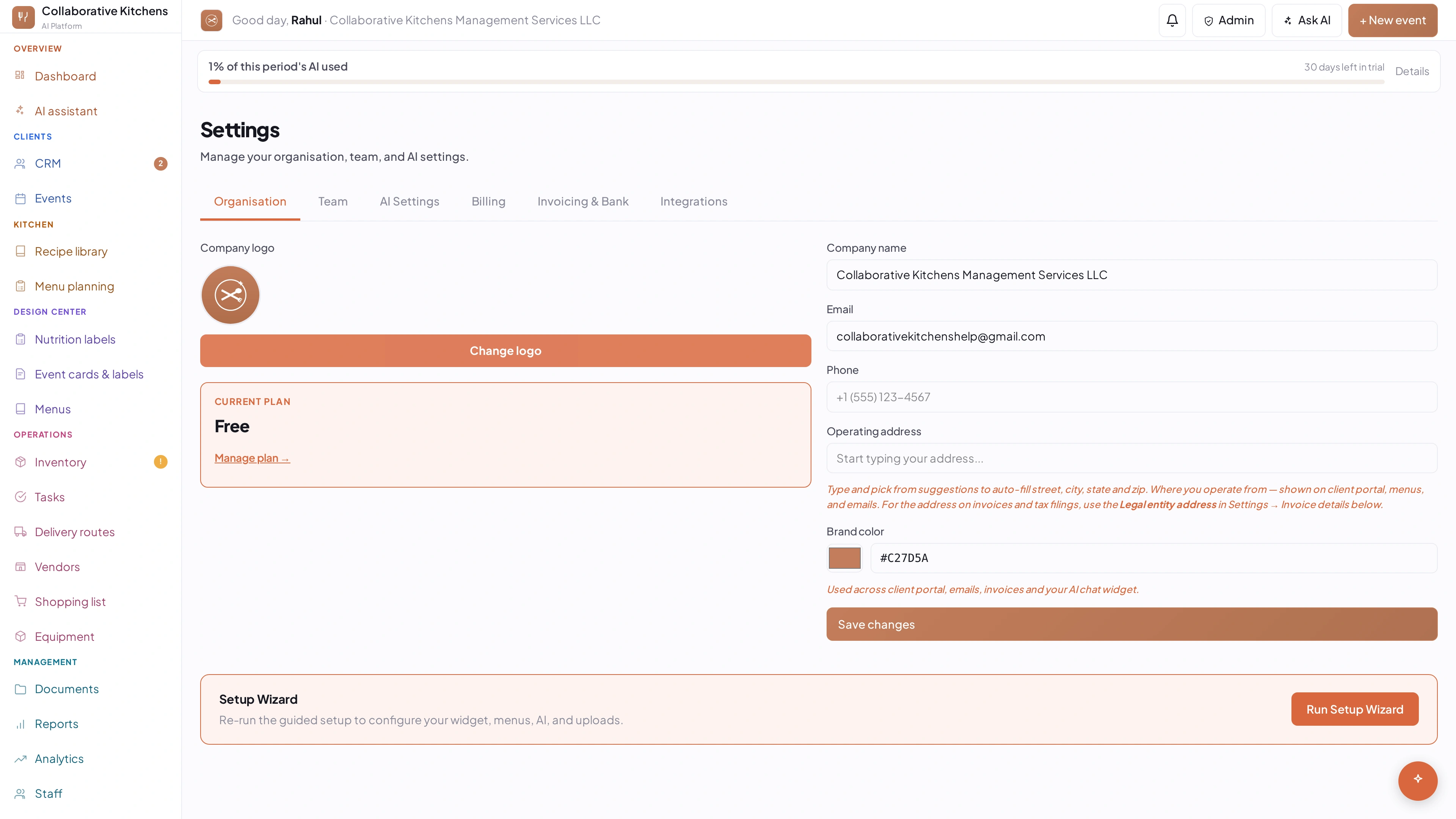
You can cap what AI is allowed to cost you
Settings, then Billing. Pick a ceiling — or 'never bill me extra' — and AI pauses instead of running past it. It never stops you mid-event without one.
See it in the app →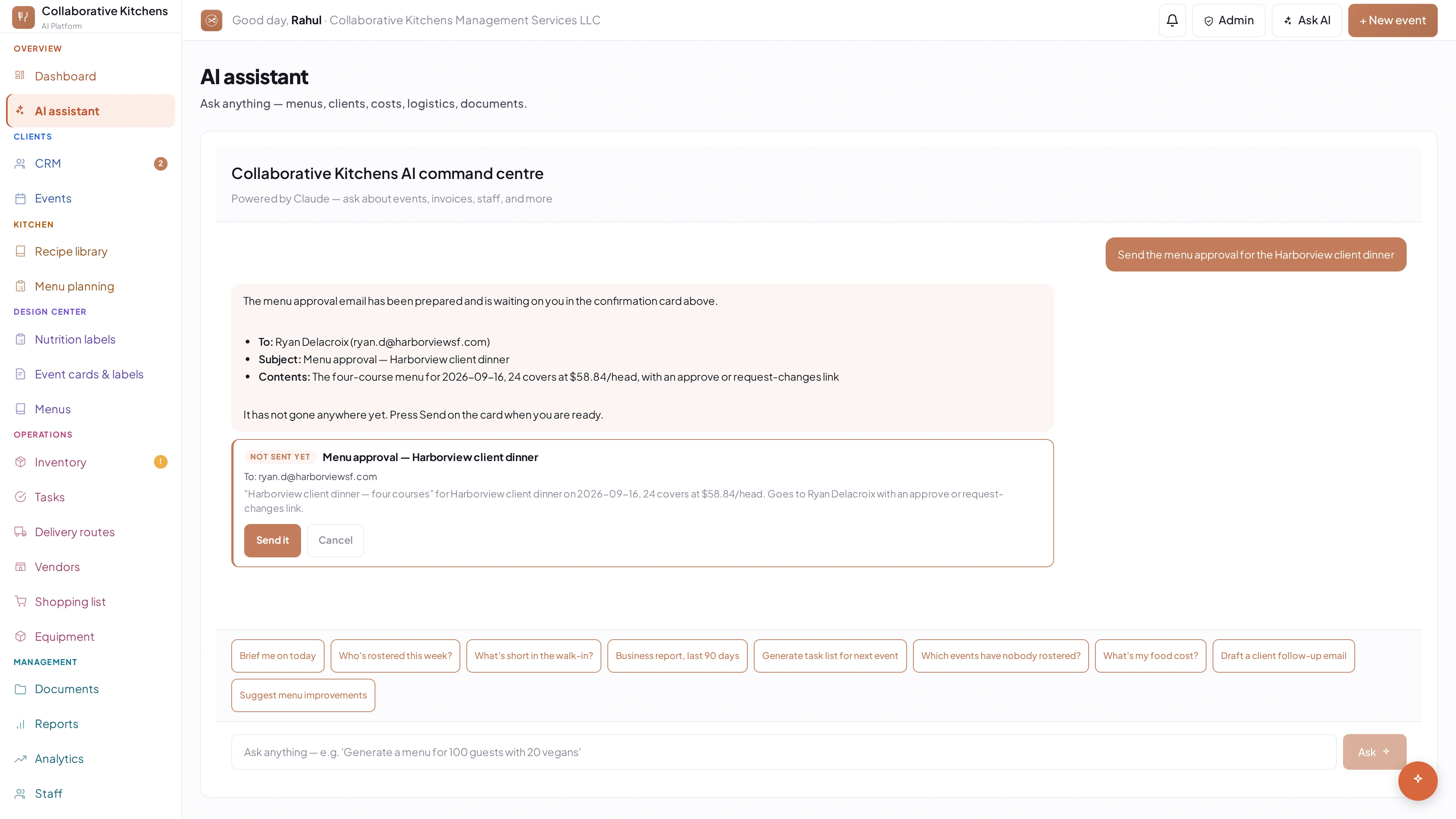
Ask the assistant instead of hunting through screens
How many events this week, which invoices are overdue, what is low in stock — it reads your own data and answers in a sentence.
See it in the app →Try it on your own menus.
Import a few recipes and let it cost a menu for a real event. You'll hit most of what's on this page in the first week.
14 days free · no card up front