Drag in your menus, recipes and invoices. Get a working system.
There is nothing to type in twice. Drop in what you already have — a recipe PDF, last month's vendor invoice, a licence, an old menu — and each one is read and filed where it belongs.
Why setup is the real competitor
Caterease and the other legacy tools take two to four weeks to onboard. That is not a slow implementation team; it is a data-entry project handed to the customer. Most caterers never finish it, which is why so many are still running on spreadsheets they have already paid to replace.
This takes about ten minutes, because you are handing over documents rather than filling in forms.
What each thing becomes
| You drag in | What lands |
|---|---|
| A recipe PDF | A costed recipe, portioned, with its ingredients in your inventory |
| A vendor invoice | Stock up, supplier prices updated, an increase flagged |
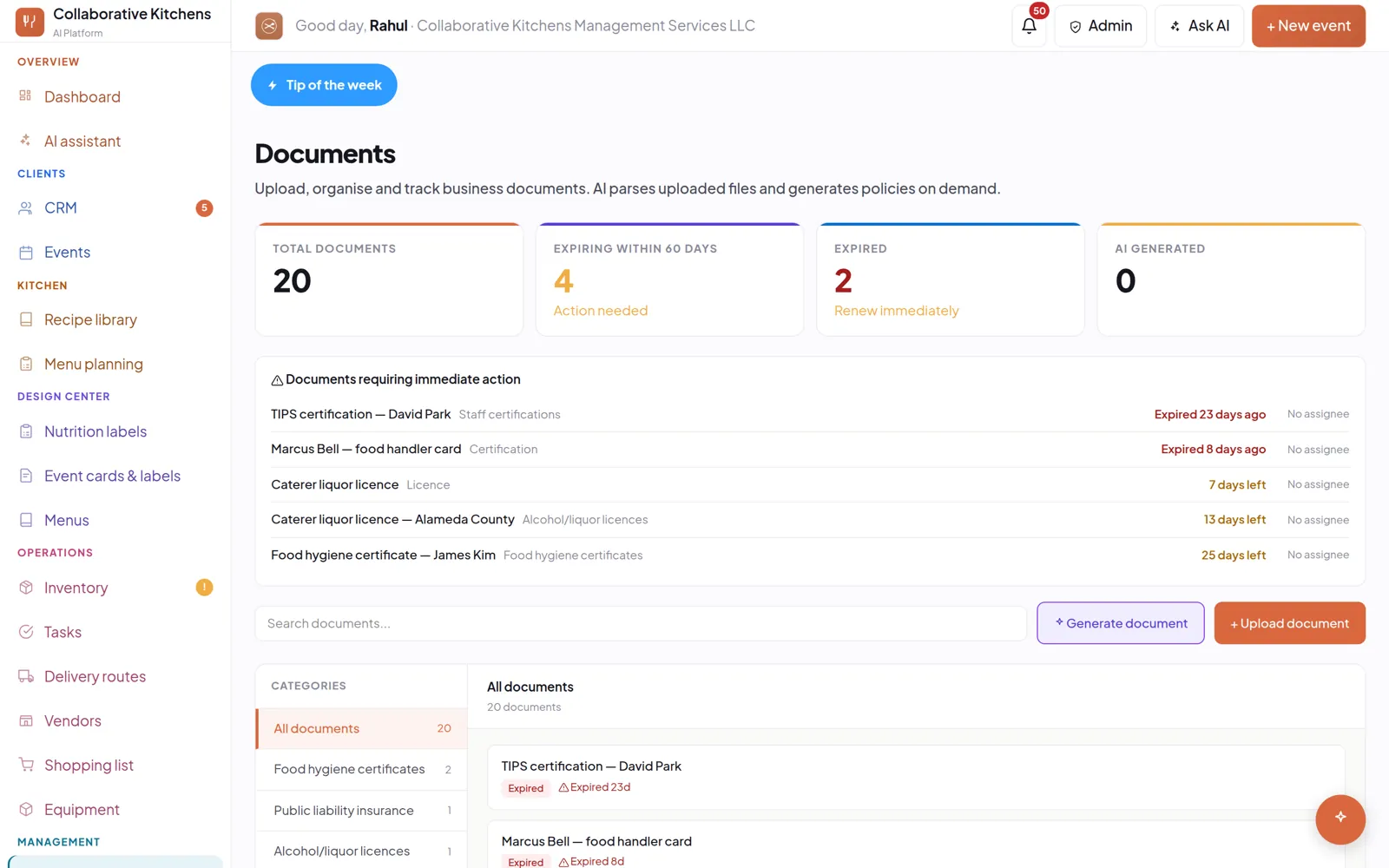
| A certificate or licence | Filed by category, expiry read off it, renewal task raised |
| An old menu | Dishes in your library, ready to cost |
The setup wizard
A short wizard covers the things no document can tell us — your business name, your service styles, your markup. Everything else comes out of files you already have.
Questions people ask
How long does setup actually take?
About ten minutes. You are uploading documents you already have rather than typing records in, which is why it is not the two to four weeks the legacy tools need.
What file types can I drag in?
Recipe PDFs, vendor invoices, certificates and licences, and menus. Each is read and filed — a recipe becomes a costed recipe, an invoice updates stock and prices, a certificate gets its expiry tracked.
Do I have to enter my recipes by hand?
No. A recipe PDF becomes a costed, portioned recipe with its ingredients added to inventory.
Ten minutes gets a real event in — your menu, your prices, a quote you could send. The 14-day trial takes no credit card.